Windows audio utility v1.0.0
Native Windows Loudness Equalization, on your terms.
Toggle Loudness Equalization per output device, tune the release time, and repair a broken audio effect chain — a precise, native control surface Windows never gave you.
What it does
A precise instrument for Windows loudness
Everything you need to take control of Loudness Equalization on Windows — and nothing you do not.
-
Per-device loudness control
Turn Windows Loudness Equalization on or off for each audio output device independently — headphones loud, speakers flat, no compromise.
-
Native Rust engine
No PowerShell scripts, no registry hacks you have to trust blindly. A compiled Rust core talks to the audio stack directly — fast and predictable.
-
Release-time tuning
Dial in how quickly loudness leveling lets go after a peak, with a live meter that shows the effect responding as you move the slider.
-
One-click repair
Fix a broken effect chain in a single click: corrects the CLSID / EAPO wiring and clears a stuck CompositeFX so enhancements work again.
-
System-tray quick toggle
Flip Loudness EQ for your active device straight from the tray. No window to open, no menus to dig through — one click and done.
-
Light & dark UI
A focused control panel that follows your Windows theme — calm in the dark, crisp in the light, readable either way.
-
Snapshot & restore
Before it touches a thing, LEQApp snapshots your audio effect settings — so you can roll back to exactly how it was, any time.
How it works
Three steps to even, comfortable sound
-
Install
Download the signed installer and run it. LEQApp snapshots your current audio settings first, then it is ready — no reboot, no setup wizard.
-
Pick a device
Choose any audio output — headphones, speakers, an HDMI display. Each device keeps its own settings, so you only change the one in front of you.
-
Toggle Loudness EQ
Flip Loudness Equalization on, tune the release time against the live meter, and you are done. Quiet dialogue and loud action finally sit at the same level.
A look inside
One calm panel. Everything within reach.
A focused, native control surface for Windows loudness — these are real screenshots of the app, not mockups.
-
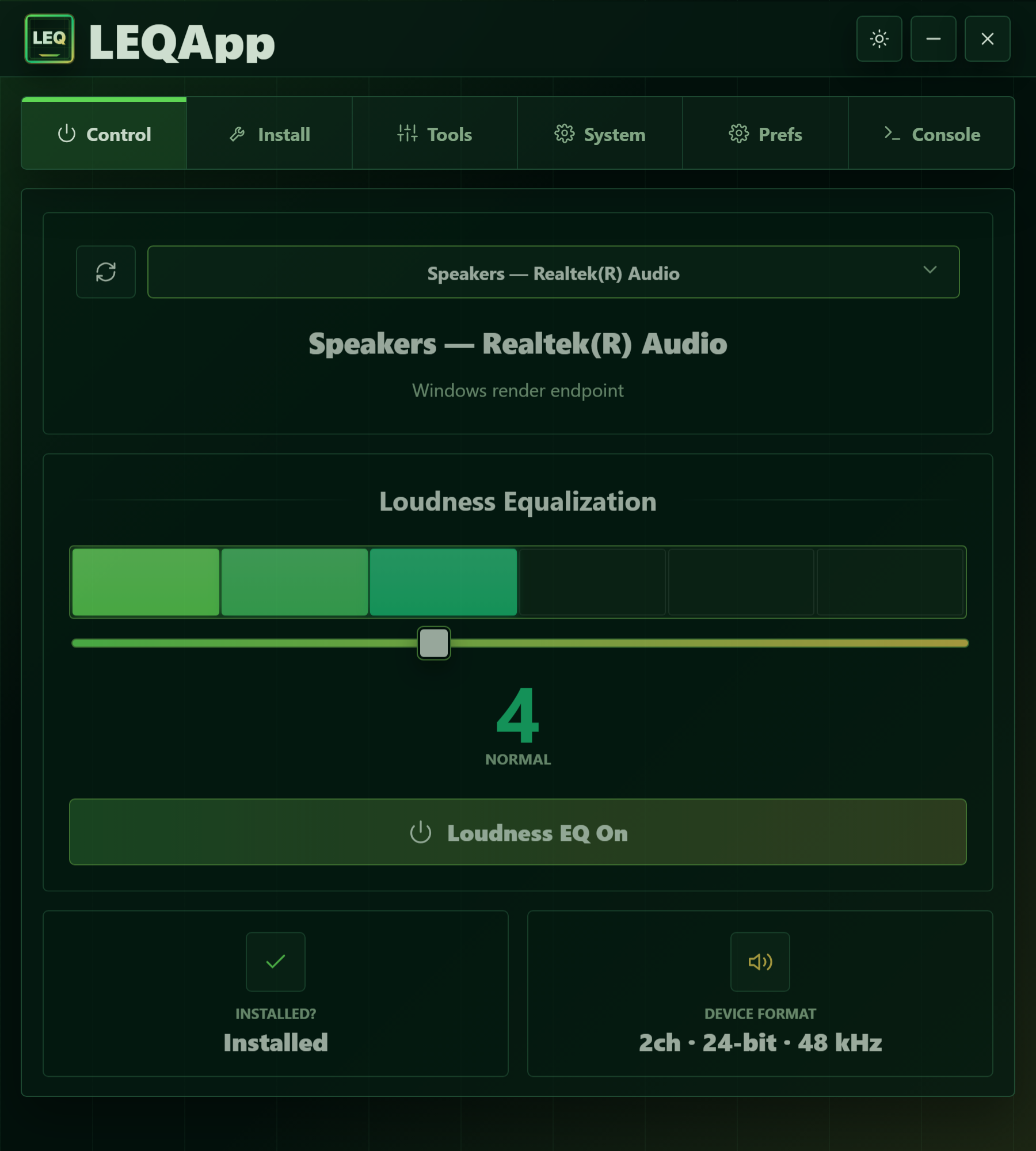
Control panel -
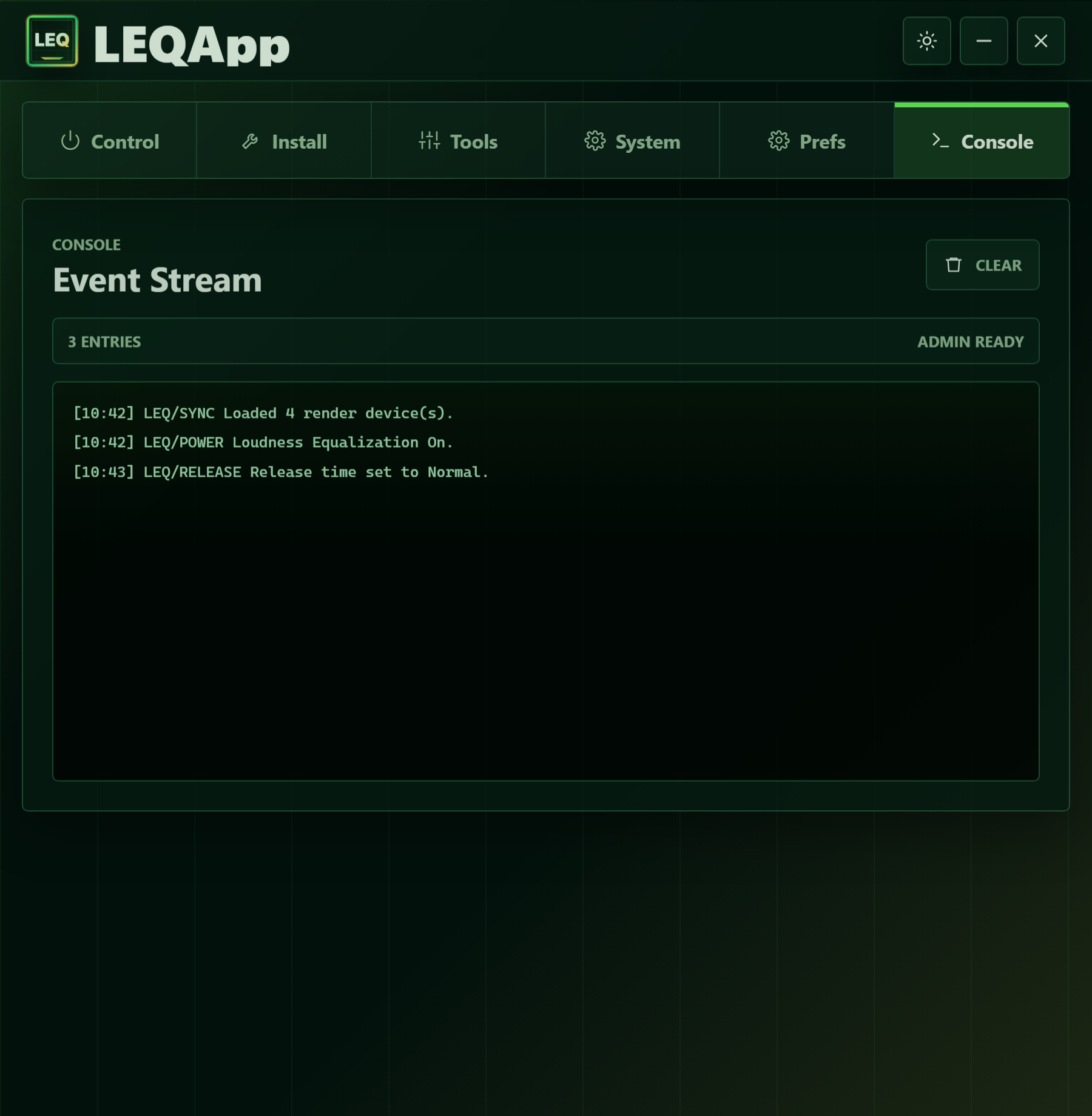
Console -
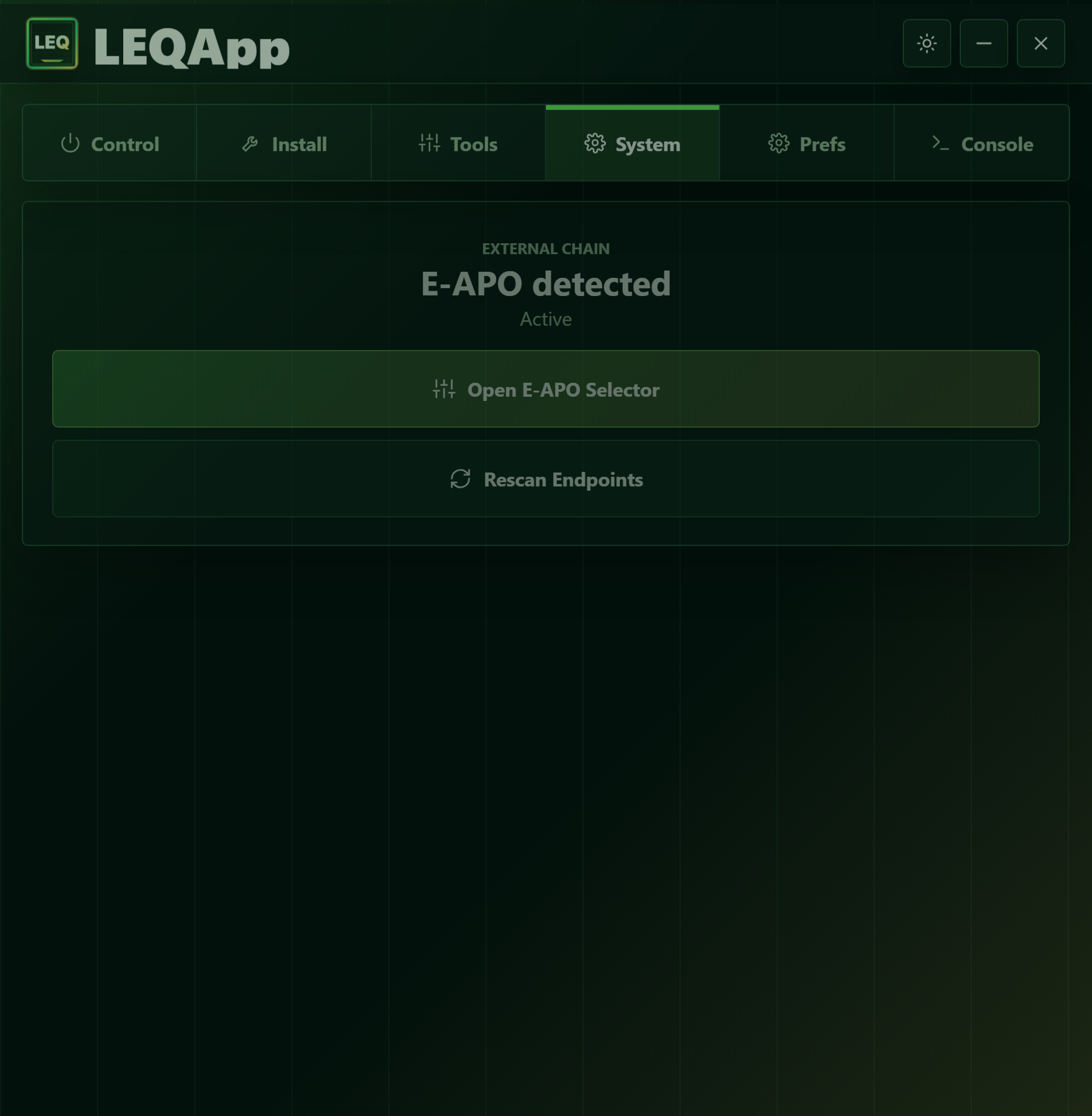
System -
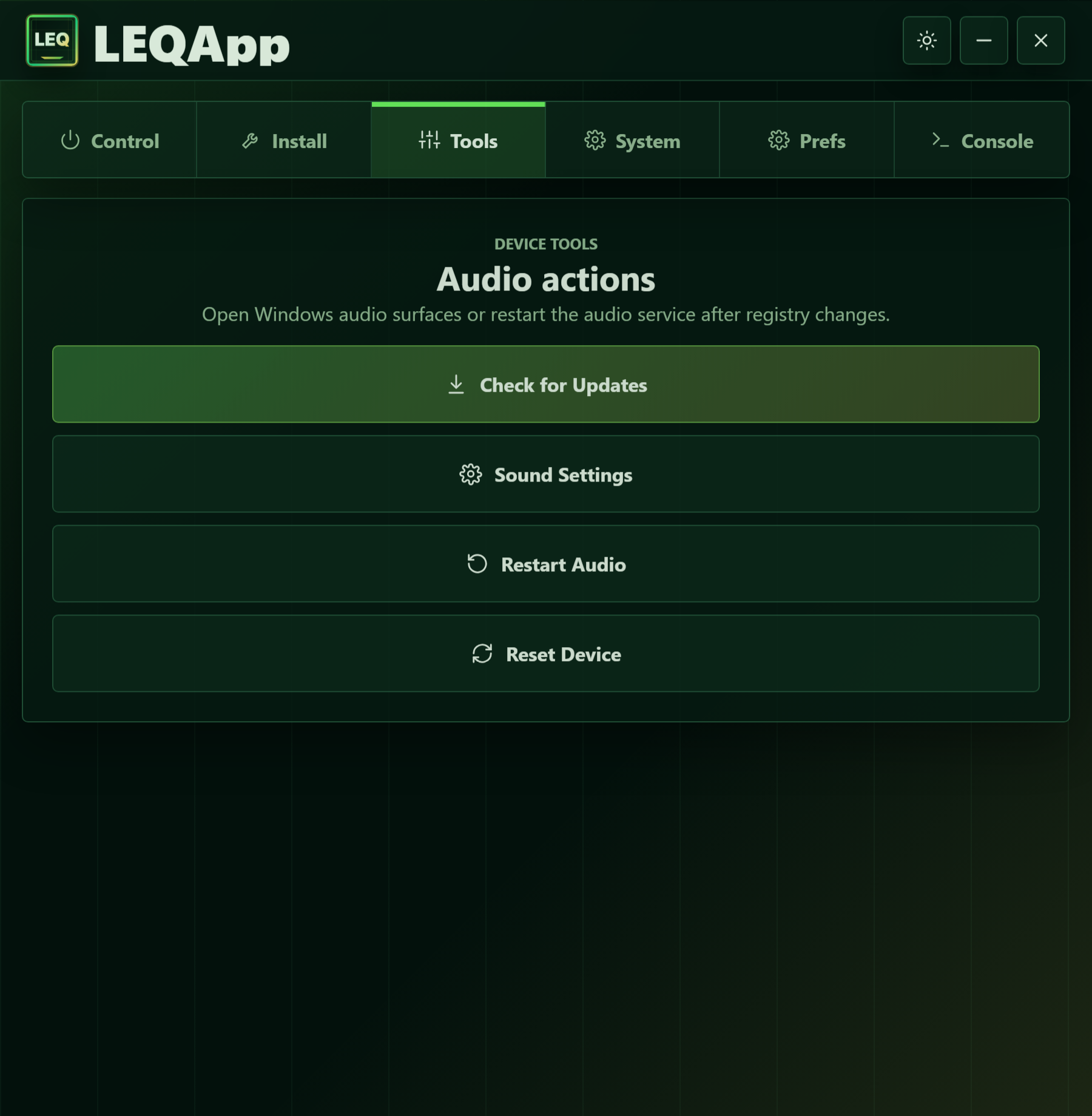
Tools -
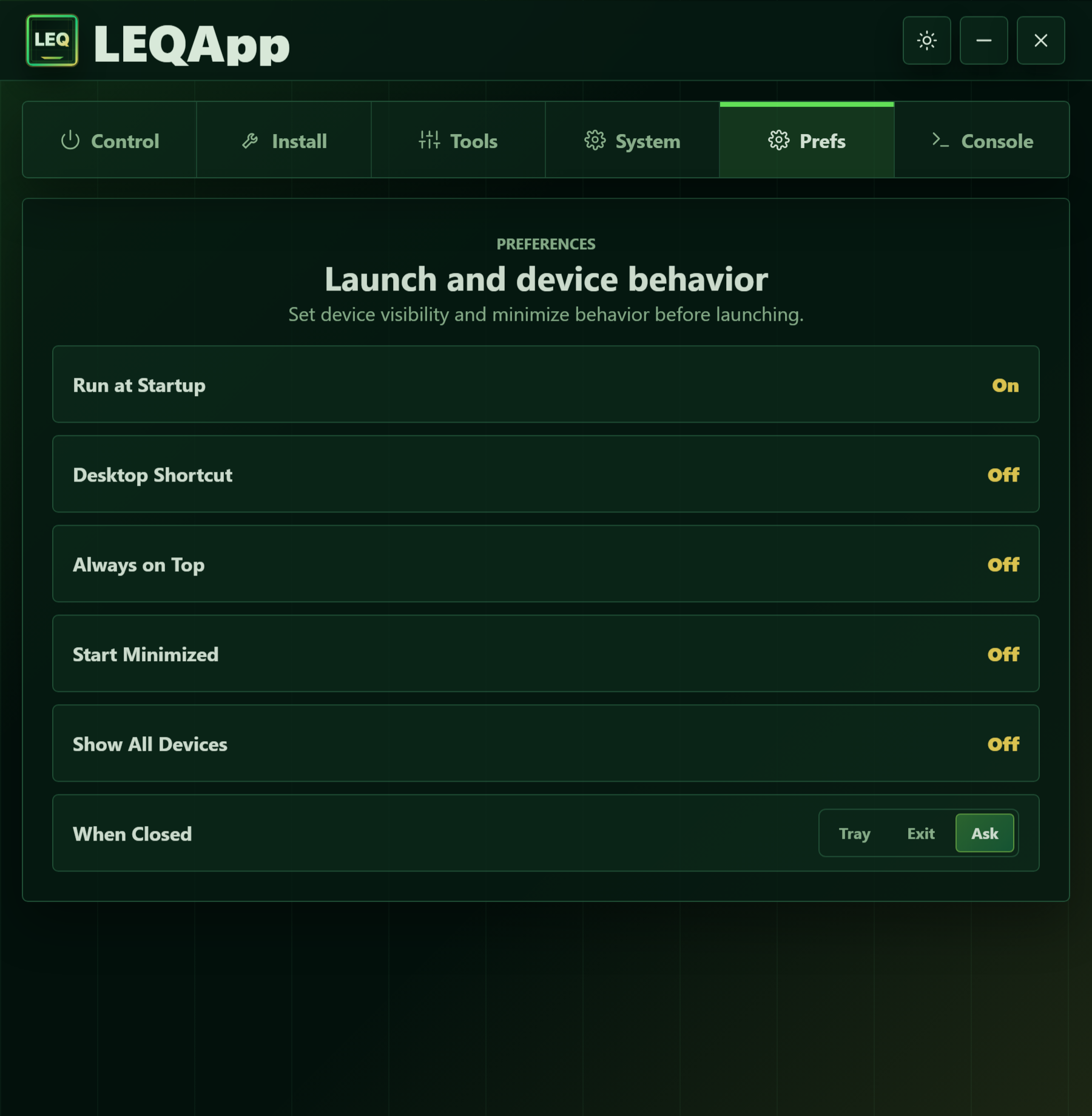
Preferences -
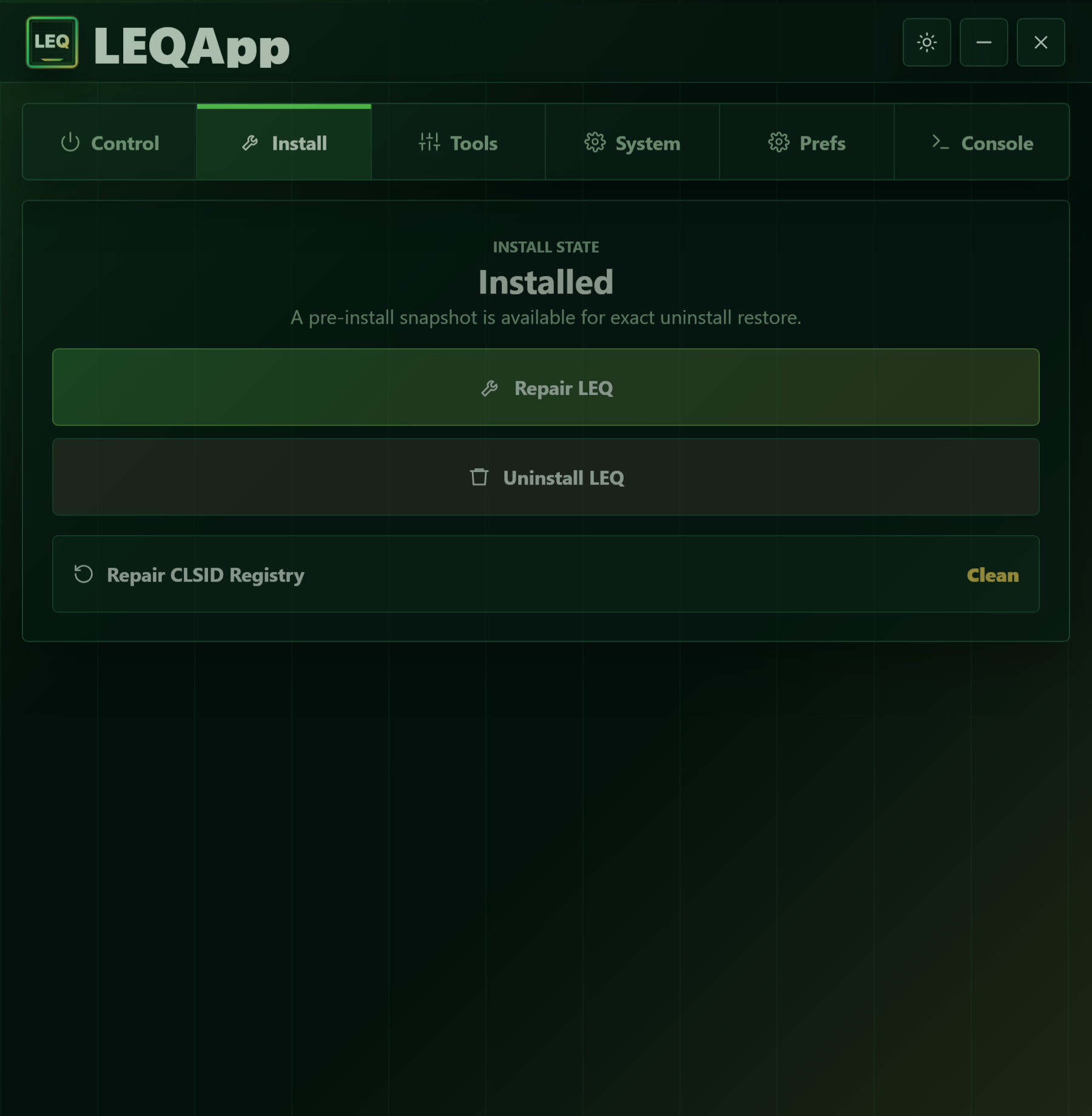
Setup
Actual app UI on Windows. Light and dark themes included.
Pricing
Get LoudnessEQApp
One simple, one-time purchase. Yours for the lifetime of the app — no subscription, ever.
- License Lifetime - Version 1
- Updates v1 included
- Delivery Instant
Secure checkout via Gumroad. Your license key and download arrive by email the moment you pay. Activate on up to 3 of your PCs.
FAQ
Questions, answered
Is it safe?
Yes. LoudnessEQApp only toggles the built-in Windows audio effect already shipped with your sound driver - it installs no kernel drivers and changes no system files. It is open about exactly which device property it edits, and every action is reversible with a single click.
Does it work on Windows 11 24H2?
Yes. It is tested on Windows 10, Windows 11, and the latest 24H2 update. Because it uses the standard Windows audio APIs rather than driver-specific hacks, it keeps working across feature updates.
Why does it need admin?
Loudness Equalization is a protected per-device audio property. Editing it - and repairing a broken effect chain - requires an elevated process. The app requests admin only for those specific operations and does nothing in the background.
How do updates work?
The app checks this site for new versions and can update itself in place. Updates are cryptographically signed and verified before they are applied, so you always get an authentic build. Your purchase includes every version 1 update, and you can re-download the latest installer any time from your account.
Is my data collected?
No third-party analytics or telemetry. The app talks only to loudnesseqapp.com — to activate and periodically validate your license, and to check for updates. Your license is bound to a one-way device fingerprint (a hash), never to personal data.